AI automation for small business: the plain-English guide
What AI automation actually means for a 10-person company — the wiring-first view, where it pays, where it doesn't, and how to think about it in math instead of magic.
7 min readBy Nick Hayghe
Every AI pitch you've heard this year was aimed at somebody with an IT department. This one's for you: ten people, one office dog, and a Thursday that's already full.
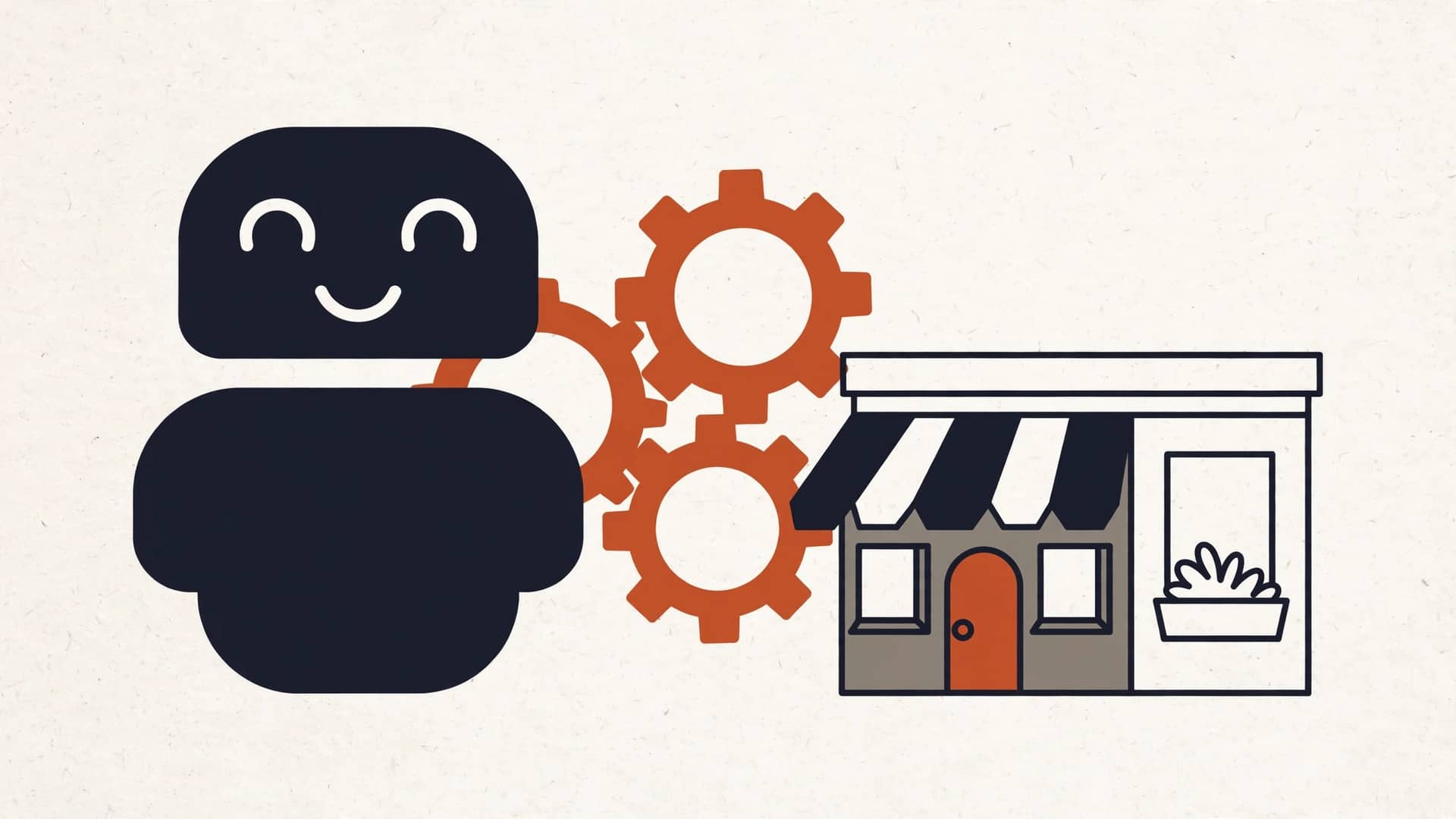
AI automation for a small business doesn't mean robots and it doesn't mean a six-figure software project. It means your tools finally talk to each other, and the repetitive stuff in the middle — the copying, the chasing, the waiting — gets done without a human touching it. That's it. That's the whole idea.
Here's the part most vendors won't say out loud: the wiring is 90% of the job. The AI is the last 10%. If your new lead has to get typed from a web form into your CRM, then somebody texts you, then somebody else books the appointment, then somebody sends the follow-up — the AI part is the smallest piece. The real work is connecting the form to the CRM to the calendar to the email, so the whole chain runs on its own. The AI just reads and writes like a very fast, very patient assistant. The plumbing does the heavy lifting.
This guide is the starting point. Everything below links out to a deeper piece on each topic. No fluff, no pitch decks. Let's go.
What "AI automation" actually means at your size
Forget the keynote slides. At a 10-person company, AI automation is three things working together:
- Your tools, connected. Your CRM, your calendar, your inbox, your scheduling, your accounting. Right now they mostly don't talk. An automation connects them so data flows without copy-paste.
- A workflow with rules. "When a lead comes in after 6pm, send a confirmation text, qualify it with three questions, and offer three booking slots." Rules are just your process, written down, running on rails.
- A small AI in the loop. The AI handles the part that needs judgment-lite: drafting the message in natural language, reading a reply to figure out what the person actually wants, summarizing a call. It never touches money, never closes a deal, never replaces your staff's judgment.
When it's working, the status looks like this:
> lead: captured → qualified → booked ✓ 11:48pm
A lead came in at 11:48 at night, got answered in under a minute, answered three questions, and picked a time. Your tech wakes up to a full calendar, not a pile of "hey, give me a call when you get a chance."
When it's not working, it looks like this:
> lead: missed call ✗ → voicemail ✗ → competitor booked them ✓ 8:15am
Same lead, same night, different plumbing.
Where it actually pays
Automation pays wherever a repetitive task sits between you and revenue, and wherever waiting costs you the job. In every small business I've worked with, four spots show up again and again:
Lead response. Speed-to-lead wins jobs. The company that answers first usually wins, and most of you can't answer at 11pm. A workflow that captures the lead, asks the qualifying questions, and offers booking slots — while your competitor's phone goes to voicemail — is the single highest-ROI automation in most SMBs. It's not magic; it's just being awake when the customer is.
Scheduling. The back-and-forth to find a time costs your staff 10–15 minutes per job and the customer a day of waiting. Connected calendar + automated offers kills it dead.
Follow-up. Quotes that never get a nudge. Estimates that die in an inbox. A workflow that sends the polite "just checking in" at day 3, day 7, day 14 recovers revenue you already earned and forgot to collect.
Paperwork. Estimates to invoices. Job notes to CRM records. Photos from the field into the job folder. Nobody's best employee should be spending an hour a day retyping things.
These four are where the math works. A full guide to the practical side lives in What AI automation actually does for a small business.
The wiring is 90% of the job. The AI is the last 10%.
Where it doesn't pay
Honesty time. Automation doesn't close deals. It doesn't read a difficult customer and know when to give an inch. It doesn't fix a process that's broken — it just runs the broken process faster, which is worse.
If your problem is "nobody answers the phone because we're understaffed by three techs," no workflow fixes that. If your close rate is low because your estimates take a week, the bottleneck is your estimating process, not your email. A good builder will tell you this before you pay a dime — and if they won't, that's your answer about the builder.
Rule of thumb: if the task needs human judgment, it stays human. If it's repetitive, time-sensitive, and rules-based, automate it. Everything else is a conversation, not a purchase.
Think in math, not magic
Here's the reframe that cuts through every pitch: don't ask "what can AI do?" Ask "how many hours does this cost us per week, and what does an hour cost us?"
Take follow-up. Say your office manager spends 5 hours a week nudging quotes. At a fully loaded $35/hr, that's $9,100 a year — plus the quotes that never got a nudge and died, which is the bigger number and nobody tracks it. An automation that runs the nudge sequence costs a few thousand dollars once, then pennies per message to run. The payback math isn't close. It's a rounding decision.
That's the whole evaluation method:
- Hours per week the task takes a human.
- Hourly cost of that human, fully loaded.
- Error or delay cost — the jobs you lose waiting, the mistakes from retyping.
- Build cost — fixed, quoted up front, owned by you afterward.
- Run cost — the AI and message fees, usually tens of dollars a month at your size.
If the payback is under a year, build it. If it isn't, don't. AI automation vs. hiring: do the math first walks through the full comparison, because "should I just hire someone?" is the right question and it deserves an honest answer.
How a build actually works
You've probably never bought one of these, so here's the honest version of the process:
Week 1: map the workflow. You talk, somebody writes down exactly what happens today — every step, every handoff, every "oh, and then Sarah checks with Mike." This is the most important part and it costs nothing but honesty. Paper and a whiteboard beat software at this stage.
Weeks 2–3: build and test. The tools get connected. The rules get written. The AI gets its instructions — plain English, same as you'd tell a new hire. Then it's tested with fake data until it stops surprising anyone.
Week 4: go live, with a human watching. It runs on real work for a week or two with someone reviewing the outputs. Anything weird gets fixed. Then it runs on its own, and you get a dashboard or a daily summary so you always know what it did.
Live in 2–4 weeks. Fixed price, quoted before work starts. And when it's done, you own it — the code, the accounts, the documentation. No rent-a-workflow, no lock-in. If we ever part ways, everything keeps running without us. That's not generosity; it's how it should work when you're paying for a build.
The one rule that matters
Automate the work, not the judgment. The moment a workflow touches a decision that needs a human — pricing a weird job, handling an upset customer, deciding who's worth a discount — the workflow stops and a person takes over. That handoff isn't a failure of the automation. It's the design. The automation exists to make sure the human spends their time on the part that actually needs them.
What to do next
Four deeper reads, depending on what's on your mind:
- What AI automation actually does for a small business — five things it handles well, five it doesn't, no hype.
- AI automation vs. hiring: do the math first — the fully-loaded cost math, and when a human is the right answer.
- Where to start with AI automation (without buying anything) — find the bottleneck, map one workflow, measure before and after. Costs nothing.
- 7 AI automation mistakes small businesses keep making — the painful ones, so you can skip them.
And if you'd rather just talk it through: we'll look at your actual tool stack, find the bottleneck, and tell you straight whether automation pays here. If it doesn't, we'll say so. That's the whole business model.
Get a free tool-stack audit
Bring us the tools you already use and the work that's eating your week. We'll map where automation pays, where it doesn't, and what it would cost — fixed price, plain English. If the math doesn't work, we'll tell you not to build it. Book a free tool-stack audit.