Your tools, finally working together: the integration playbook
Your CRM, your accounting, your calendar — they were all supposed to save time. Here's the playbook for making them actually talk to each other, without ripping anything out.
7 min readBy Nick Hayghe
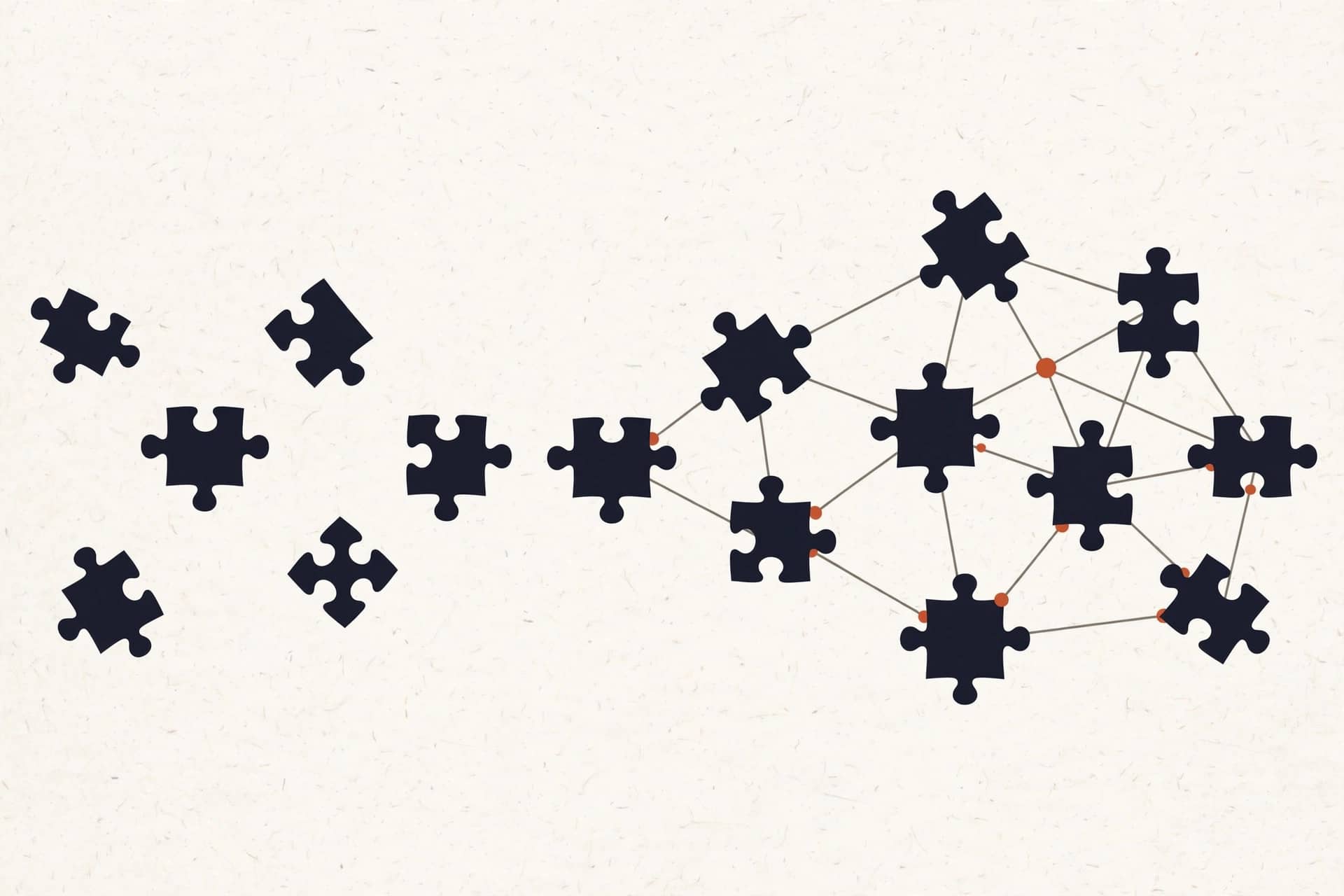
You didn't buy software to create more work. But somewhere between the CRM, the accounting app, the scheduler, and the inbox, you became the most expensive integration in your own company: the human copy-paste department.
Quick disclaimer before we go further: there's no AI magic in this post. No robots, no hype. This is plumbing — pipes between apps you already pay for. That's the whole playbook, and it works.
new customer: typed in the CRM ✗ typed again in QuickBooks ✗ dispatch never heard about it ✗
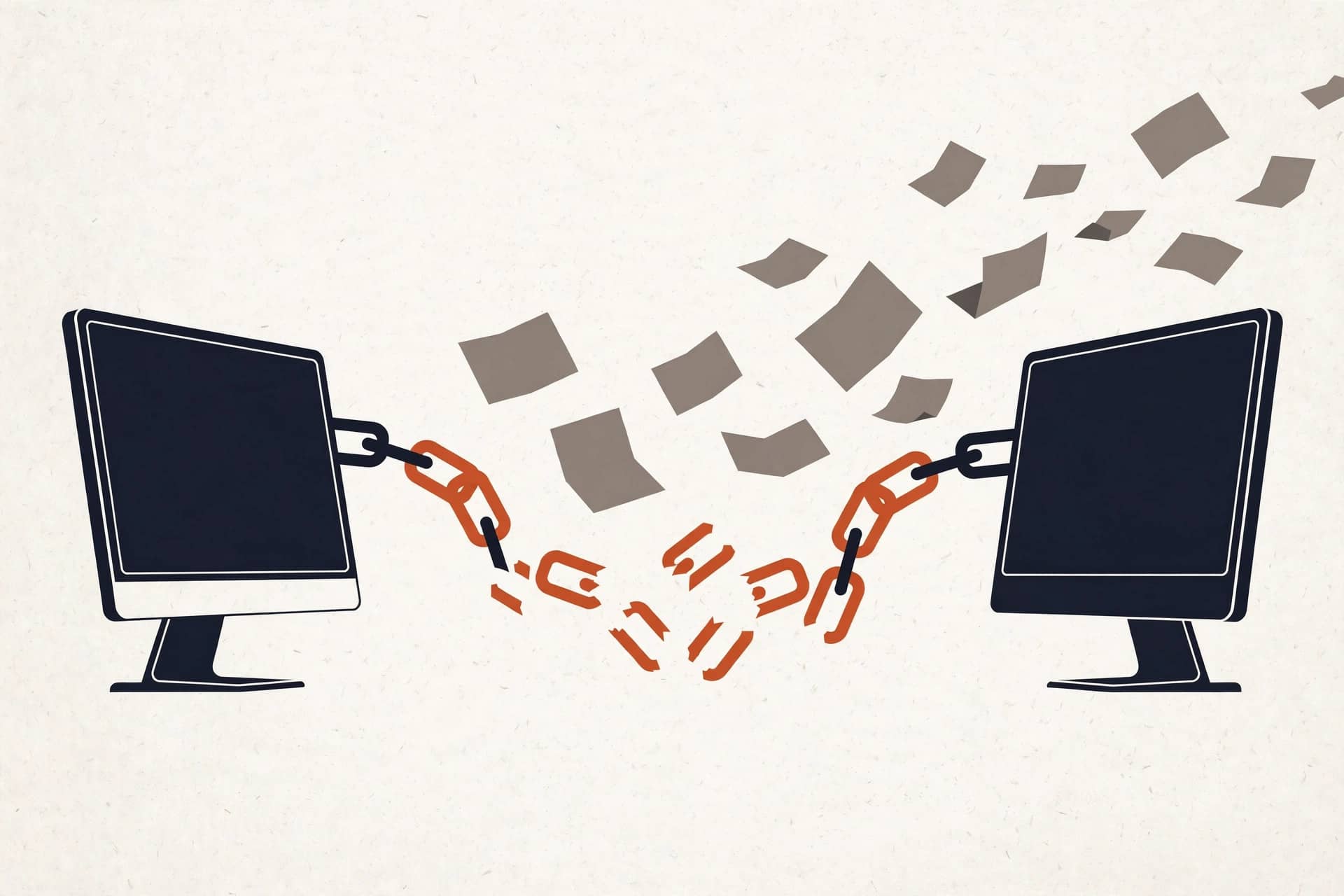
That's not a hiring problem. It's a wiring problem.
The hidden job you never hired for
Somebody on your team spends part of every day moving information from one app to another. Nobody's job description says it. It just happens — during the gaps, after hours, in the margins.
Run the math as an example. Say your office manager retypes data 45 minutes a day: invoices into the CRM, job details into the calendar, customer info into the email tool. That's 3.75 hours a week. Call it 190 hours a year. At $30/hr fully loaded, that's $5,700 a year — for one person, doing quiet work that produces nothing new.
Now add the mistakes. A transposed digit on an invoice. The wrong address on a work order. A follow-up that never happened because the note lived in the wrong app. You don't budget for those, but you pay for them anyway.
The fix isn't a new app. You don't need more software. You need the software you have to talk to each other.
Step 1: Audit your stack (the 30-minute version)
Before you connect anything, write down what you've got. This takes half an hour and a whiteboard, and it saves you from wiring the wrong things.
List every app the business runs on — CRM, accounting, scheduling, email, the form on the website, the spreadsheet Dave keeps. For each one, answer three questions:
- What data lives here and nowhere else?
- Who moves data between this app and another one?
- How often — daily, weekly, "whenever someone remembers"?
You'll usually find the same pattern: three or four apps hold the real data, and everything else is a copy. The copies are where the errors live.
Don't skip the spreadsheets. If Dave's spreadsheet is the real customer list and the CRM is the copy, that's worth knowing before you build anything.
Step 2: The hub model — one source of truth per kind of data
Here's the core idea of the whole playbook: every kind of data gets exactly one home. Everything else reads from it.
- Customer records live in the CRM. That's the hub for who people are.
- Money records live in the accounting app. That's the hub for what they owe and paid.
- Jobs and appointments live in the scheduler or dispatch tool. That's the hub for when and where.
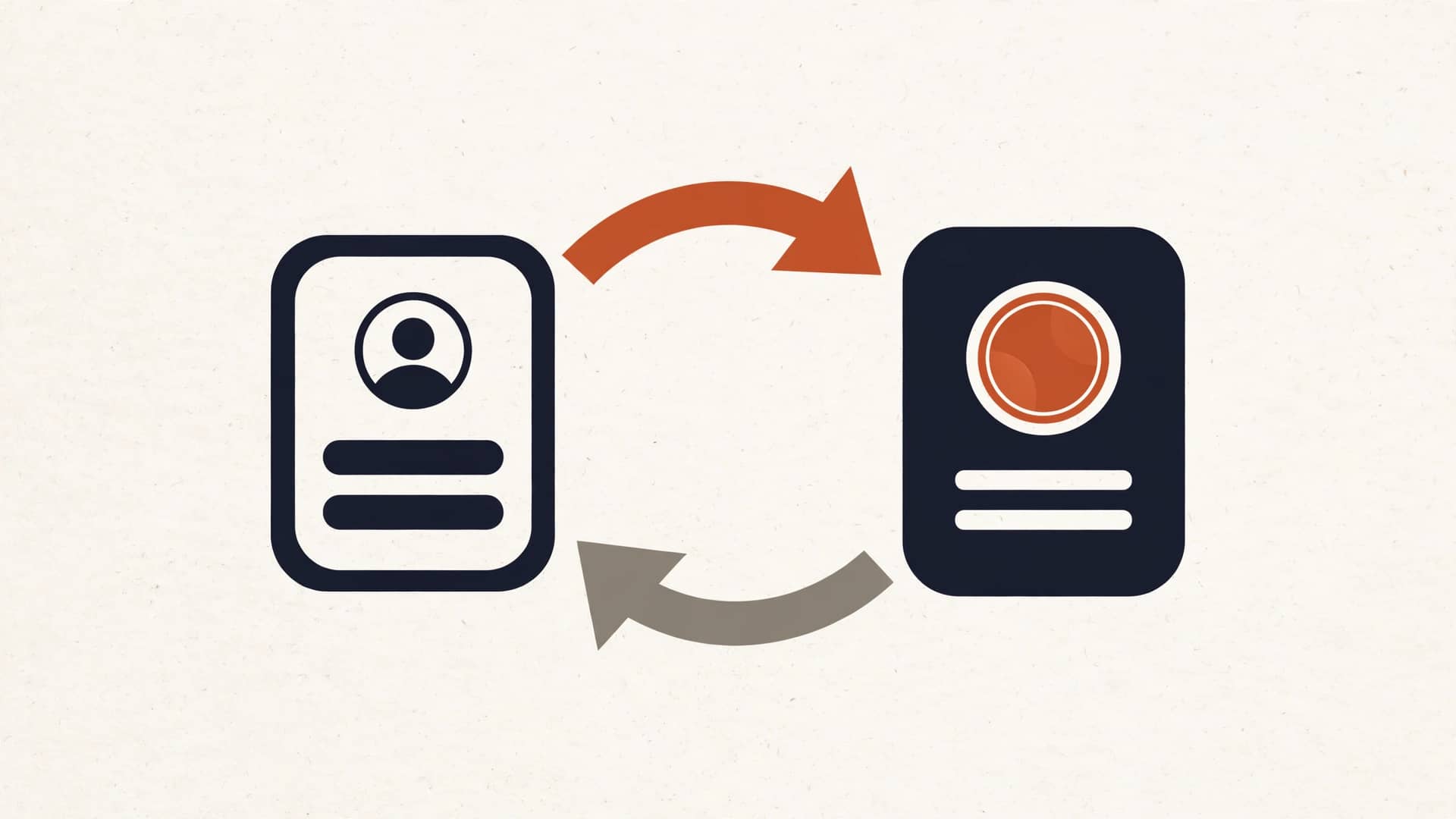
No second copies. When the accounting app needs a customer, it pulls from the CRM. When the CRM needs an invoice status, it pulls from accounting. Each app stays the boss of its own data and borrows everything else.
This is the part most "integrations" skip. They sync everything everywhere, which just gives you the same mess in more places. One home per data type. That's the rule.
The four wirings that matter most
You don't need to connect everything. In our experience, four wirings cover about 80% of the retyping pain in a small business:
1. CRM ↔ accounting. When a customer is created in the CRM, they appear in QuickBooks or Xero automatically. When an invoice gets paid, the CRM shows it — so sales stops asking accounting who owes what. We wrote the full breakdown in Sync your CRM and accounting (and stop entering everything twice).
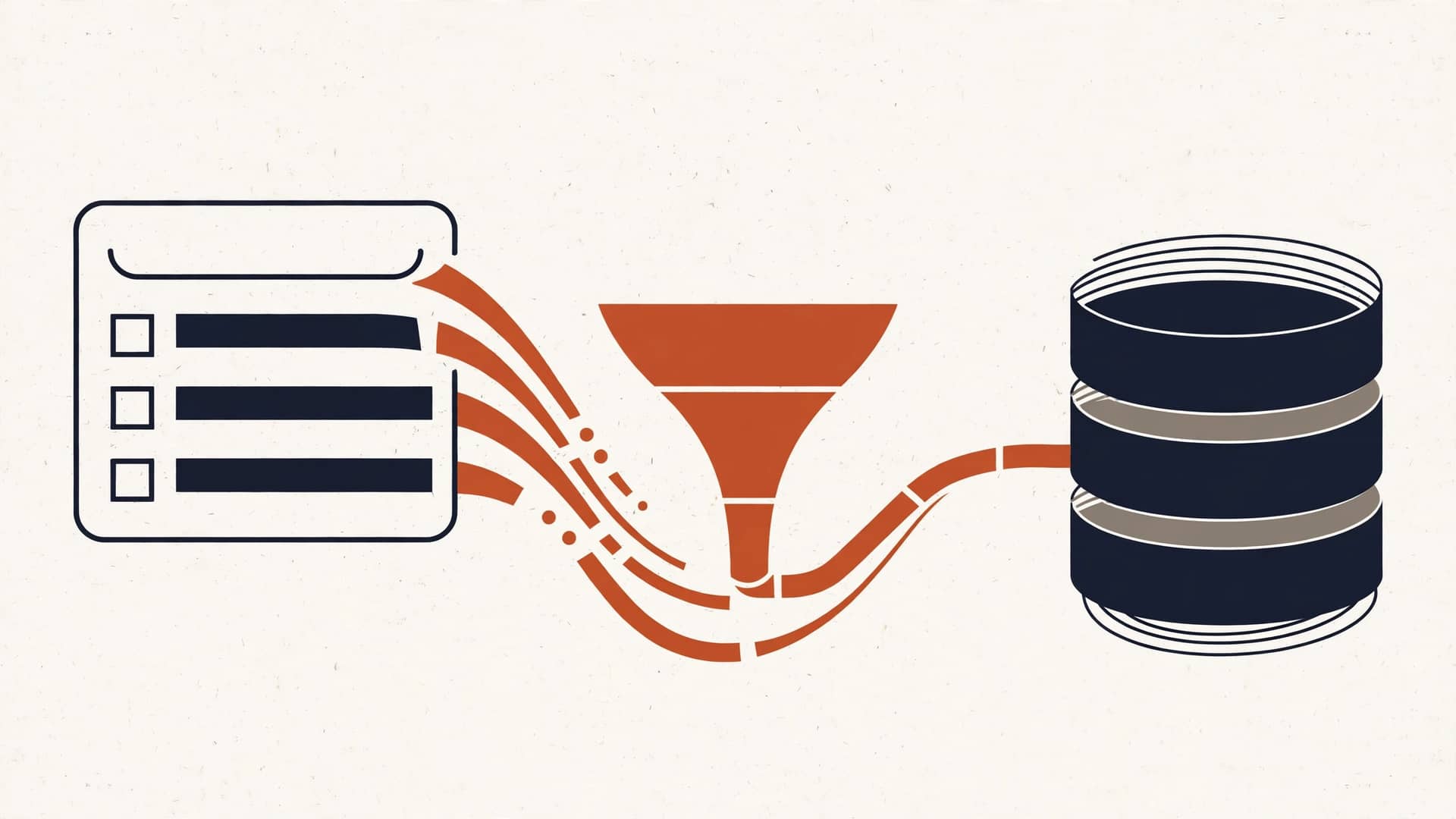
2. Website forms → CRM. A lead fills out your contact form and lands in the CRM in seconds, the right person gets notified, and a follow-up task gets created. No inbox graveyard. The full guide is From website form to CRM in 30 seconds: the lead capture wiring guide.
3. Calendar ↔ dispatch. A booked job lands on the crew's calendar with the address, the notes, and the customer info already attached. Nobody retypes the work order at 7am.
4. Email and forms → tasks. Quote requests, support emails, and intake forms become tasks in one place instead of living in five inboxes.
Start with whichever one hurts most. You don't need all four on day one.
That's not a hiring problem. It's a wiring problem.
Integration-first, not AI-first
Here's the part where I'll talk you out of spending money with me: don't bolt AI onto a disconnected stack.
AI layered on top of apps that don't talk to each other just makes the mess faster. A chatbot that can't see your calendar will book over your jobs. An "AI follow-up" tool reading a stale spreadsheet will email the wrong people. The wiring comes first. Always.
Once the pipes are in — once data flows to one home and every app reads from it — then automation and AI have something true to work with. That's when they actually pay off. Integration first, intelligence second. That's the order that works, and it's the order we build in.
When we'll tell you not to build it
Not everything deserves a pipe. We'll tell you straight when it doesn't:
- The volume is tiny. Five invoices a month? Keep typing them. The wiring would cost more than the retyping.
- The tool fights back. Some apps have no API or a terrible one. If connecting it means screen-scraping and prayer, we'll say so.
- The process is broken. Automating a bad process just produces bad results faster. Fix the process first, then wire it.
We don't build things that don't pay for themselves. If the math doesn't work, we'll tell you not to build it — and we won't charge you for the advice.
What the audit usually finds
Every stack audit turns up the same handful of leaks. Here's the greatest-hits list, so you can spot yours before we do:
| The retyping | Where it hides | What it costs (example) |
|---|---|---|
| New customers entered twice | CRM + QuickBooks/Xero | ~2 hrs/week |
| Website leads retyped | Inbox → CRM | ~1.5 hrs/week + lost leads |
| Job details retyped | Email → calendar/dispatch | ~2 hrs/week |
| Invoices copied to job records | Accounting → CRM or spreadsheet | ~1 hr/week |
| Time entries retyped | Timesheet app → payroll | ~1 hr/week |
None of these look like a big deal on their own. Together, in our example math, that's 7.5 hours a week — nearly a full workday — spent moving data between apps that could move it themselves.
How long this actually takes
Owners hear "integration project" and picture a six-month IT saga. Here's the honest timeline for a typical small business:
- Week 1: the audit. We map your stack, find the retyping, run the math. You get a one-page plan with payback periods.
- Weeks 2–3: the first wiring goes live — usually the one that hurts most. Tested, documented, handed over.
- Week 4: the second wiring, if the math says it's worth it.
That's the "live in 2–4 weeks" part of our pitch. Not a platform migration, not a rip-and-replace — one pipe at a time, each one paying for itself. And everything we build, you own outright: the accounts, the credentials, the documentation. If we disappeared tomorrow, your wirings would keep running. No lock-in, no hostage situation — that's not a slogan, it's how the contracts are written.
The math that matters
Every wiring gets judged the same way: hours saved per week, times your loaded hourly cost, times 52 weeks. If the payback is under a few months, build it. If it's over a year, don't.
That's the whole pitch. No transformation, no revolution. Just: stop paying people to be the pipe between apps you already own.
Get a free tool-stack audit
Want to know which wirings would pay off in your business? We'll map your stack, find the retyping, and show you the math — free, plain English, no pitch at the end. Book a free tool-stack audit